Rise 360 / Performance support
Meeting Clarity
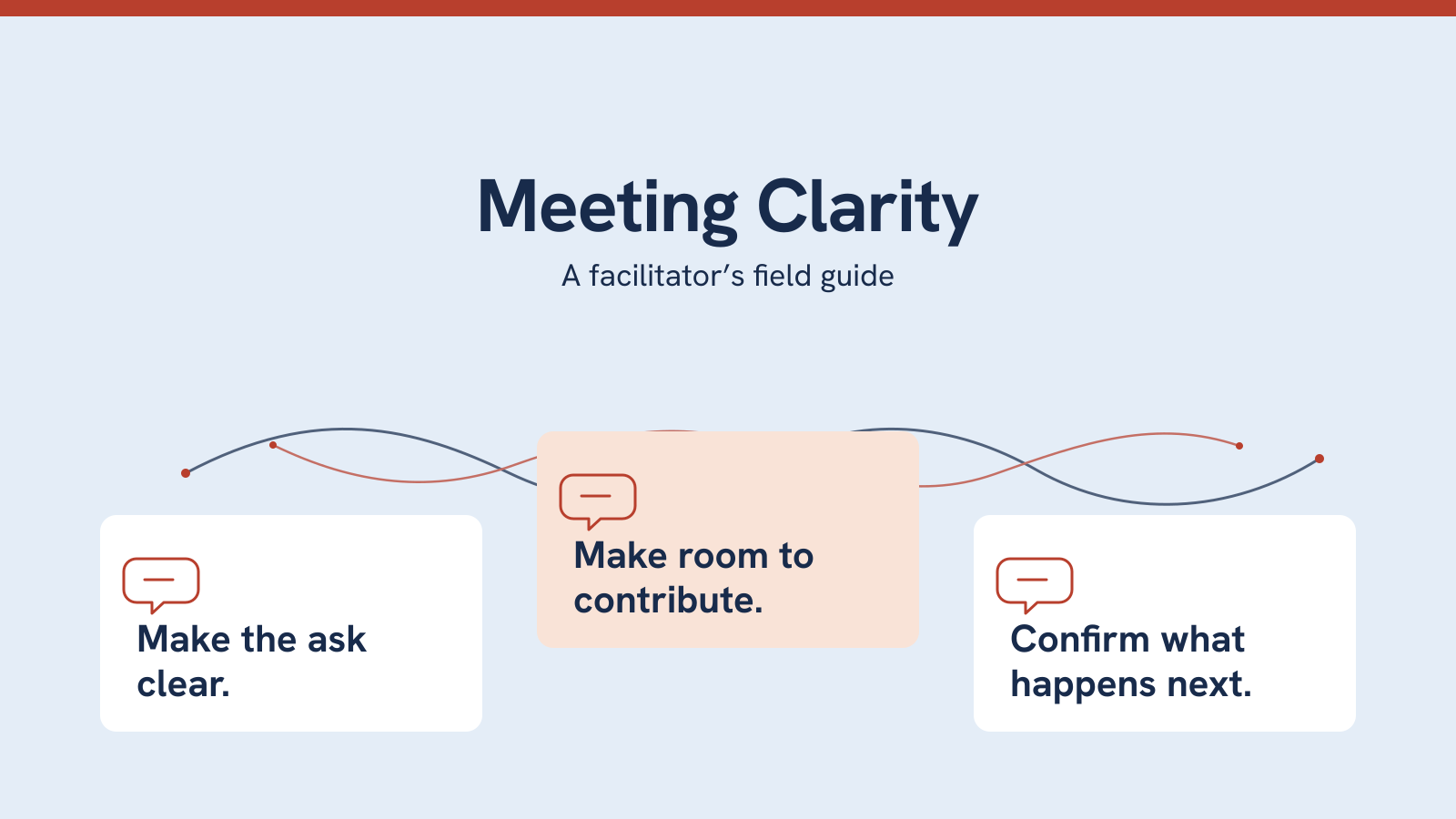
A useful prompt.
A shared understanding.
An owned next step.
A facilitator’s field guide for meetings across roles, languages and locations. Open the task you need, use a prompt, and return to the conversation.
- Audience
- People leading meetings across roles, languages and locations.
- Performance task
- Clarify the decision, invite contributions, and record what happens next.
- My role
- Learning design, language review, content revision and visual direction.
The design problem
Discussion can sound like agreement.
An abbreviation, a proposal or a pause can mean different things to different people. This self-directed sample explores how a meeting lead might check shared meaning and distinguish a suggestion from an authorized decision.
My language-teaching experience informs the focus: make the action explicit, unpack unfamiliar terms and offer more than one way to contribute.
Support at the moment of need
The guide helps facilitators establish shared understanding, make space for contributions, clarify meaning and confirm next steps. Free navigation and search let a facilitator go straight to a relevant prompt.
Words paired with an action
Situation panels address silence, unclear language, different interpretations and overlapping voices. Each pairs words to try with a concrete next move. Silence is never treated as approval.
I chose performance support rather than a course because the task is to find a useful prompt during meeting preparation or facilitation. Search and open navigation support that lookup; each situation pairs a script with an action, and the decision record carries the observable outcome into follow-up: a decision, owner, action, deadline and open question.
Inside the guide
Find the situation. Use the prompt.
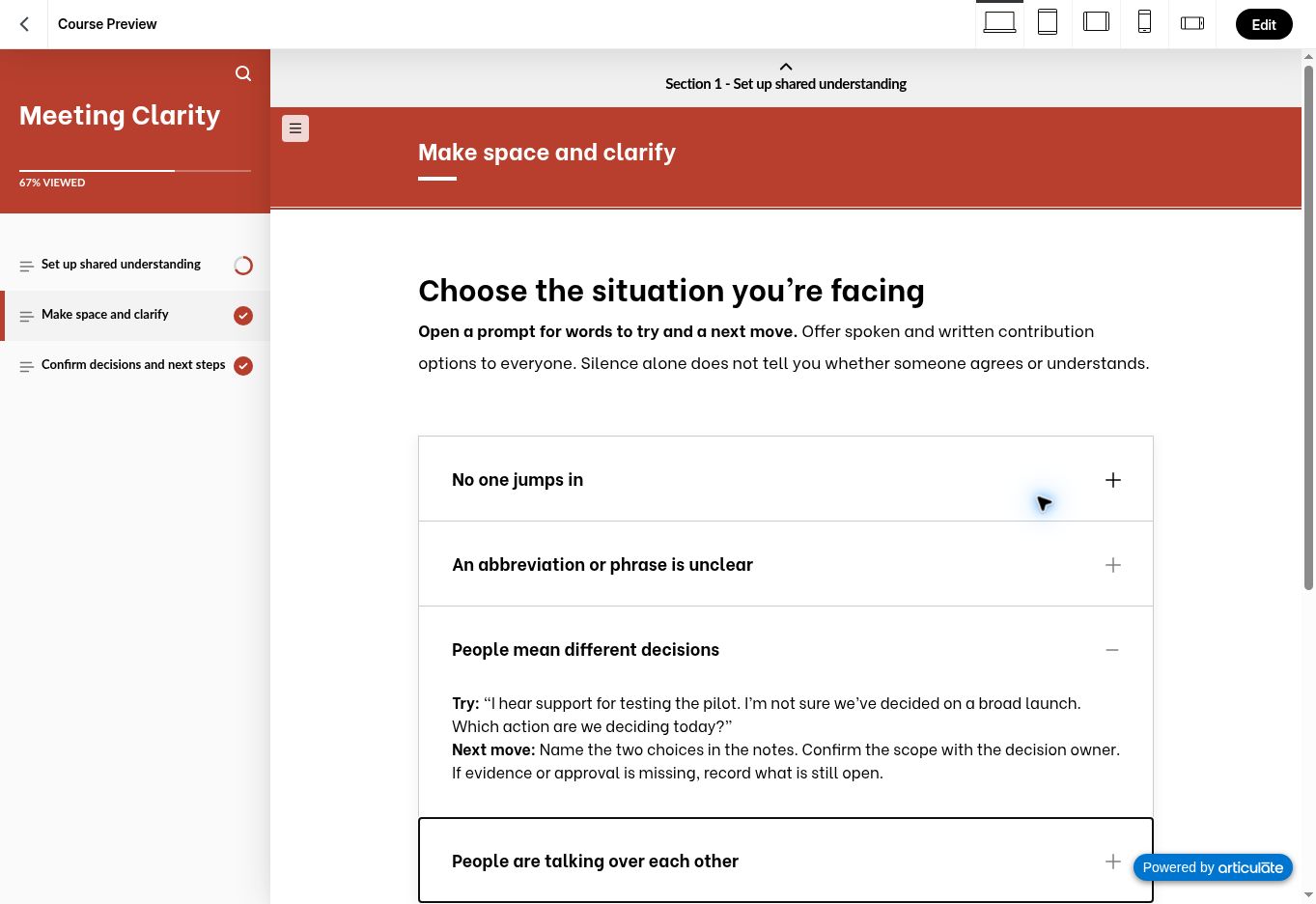
This sample shows how I organize support for quick lookup rather than a required lesson sequence. Pale script panels and bold action labels support scanning. The proposal-and-decision comparison uses both a visual and equivalent native text.
A tool to take into work
Keep the decision usable after the meeting.
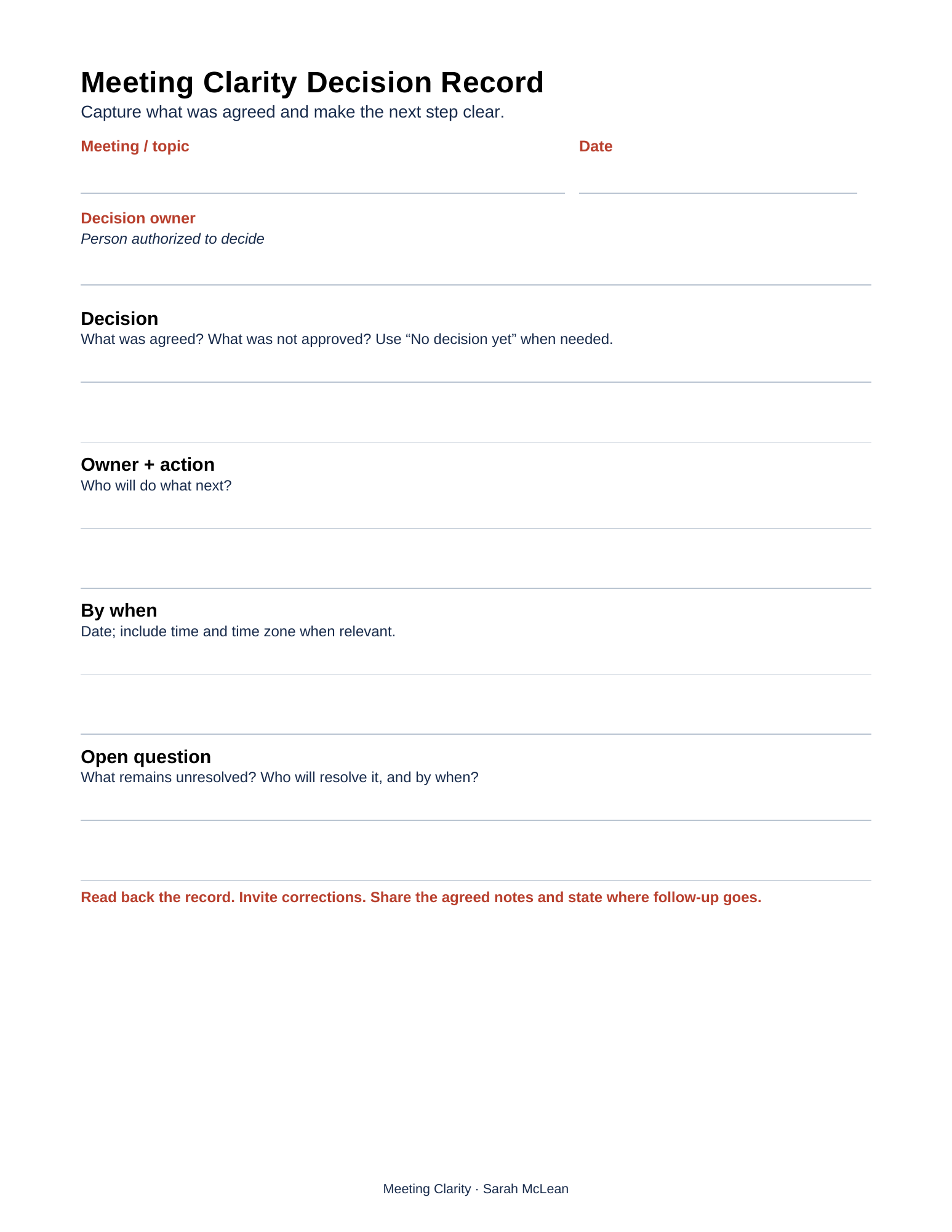
The record captures decision, owner + action, by when, and open question. It also identifies the meeting date and the person authorized to decide.
A worked example keeps a one-team pilot separate from a broad launch, names a feedback owner and deadline, and assigns the unresolved expansion question to a later review.
The same prompts appear as native text in the guide, so participants can use their own shared notes.
Review and access
Clear language is part of access.
Original scripts apply guidance on clear content from W3C WAI and inclusive meetings from Microsoft. They expand abbreviations, state dates and time zones, and invite spoken, written and agreed follow-up contributions.
- Reviewed decision authority, scope, dates and responsibility across all examples.
- Checked all four accordion controls with Enter or Space, direct section navigation and a search for “deadline” in the native Rise preview.
- Inspected desktop and selected phone-portrait layouts, including the decision diagram and its native-text equivalent.
- Verified the final native Web package, current content and included Word attachment.
- Rendered and visually reviewed the one-page record; the Word file contains editable text, and the printable PDF contains document tags.
These checks do not establish WCAG conformance. Full screen-reader, zoom, real-device and intended-user testing remains pending. Read the accessibility notes.
Proposed evaluation
Can a facilitator find and use it?
Observe unfamiliar meeting leads preparing an opening, responding to a difficult moment and closing a pilot-versus-launch discussion. Record time to find support, whether the prompt fits, and whether the final record preserves decision scope, authority, action, owner, deadline and unresolved questions.
Self-directed portfolio concept with fictional examples. No client deployment, participant study or measured business impact is claimed.